Microsoft Edge ERR_TOO_MANY_REDIRECTS: How to Fix It ("Delete cookies" Button)
- Edge says it redirected you too many times (ERR_TOO_MANY_REDIRECTS)
- A page reloads in a loop in Edge and never loads
- The site looped after a sign-in or a cookie change
What this test does and doesn't cover
Procedure checked
- Edge 157 error page text and its "Delete cookies" and "Refresh" buttons
Result checked
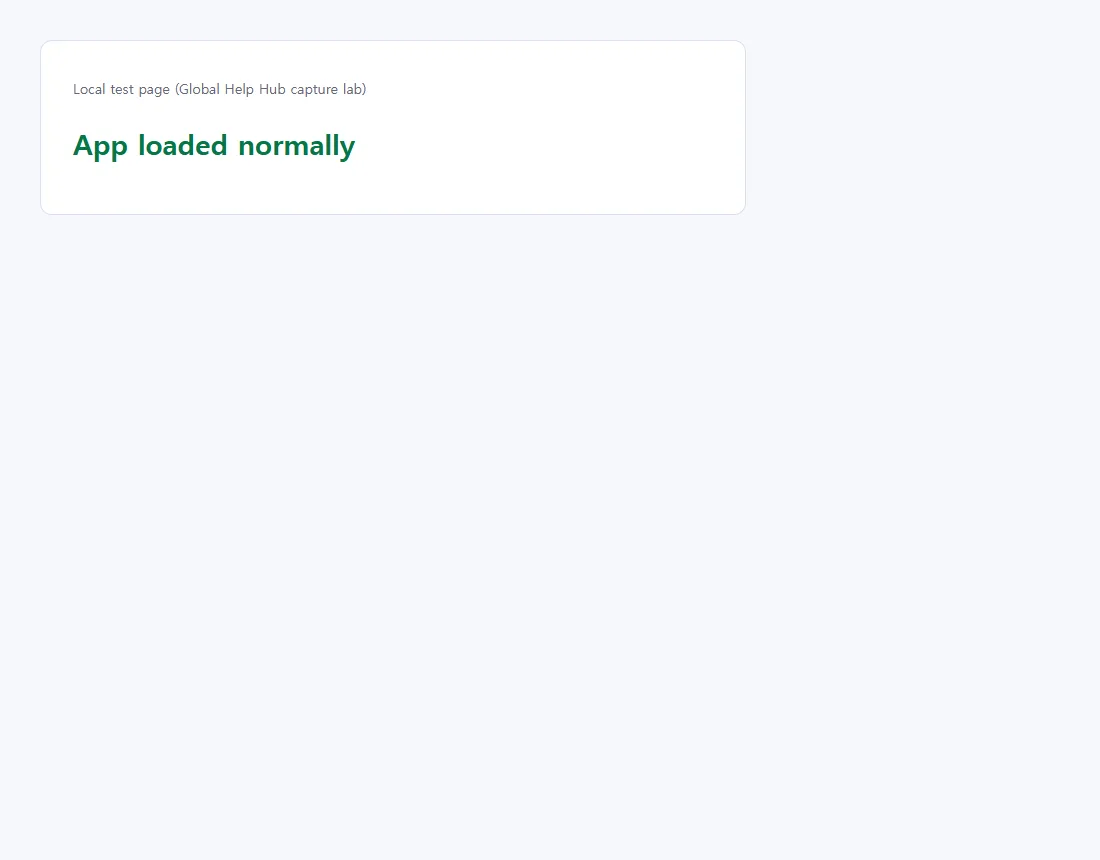
- Clicking "Delete cookies" loaded the page normally on our test site
Side effects checked
Not tested in this run
Not tested
- Which cookies Edge deletes exactly (only this site's, presumably; not inspected)
- Server- or extension-caused loops; real public websites
Screenshots come from our own runs unless a step is marked otherwise.
Is this your error?
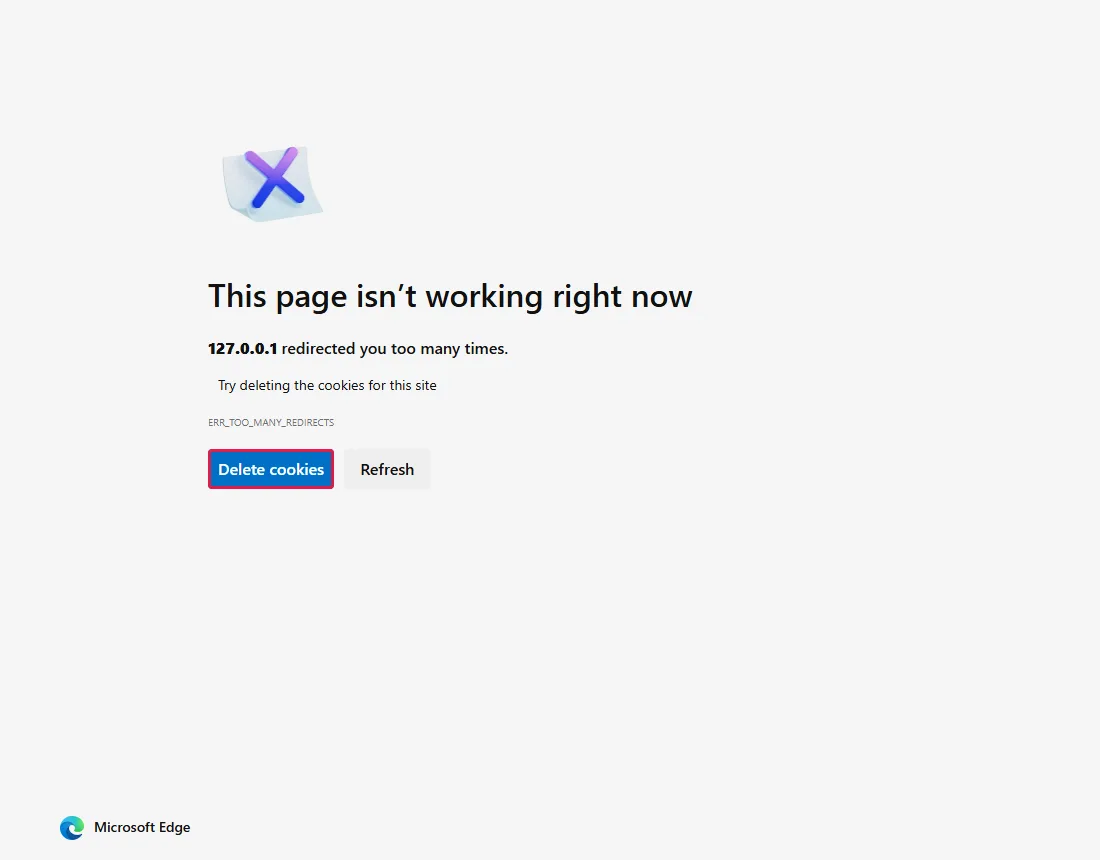
This page isn’t working right now
127.0.0.1 redirected you too many times.
Try deleting the cookies for this site
ERR_TOO_MANY_REDIRECTS
Your page shows the site's own address instead of 127.0.0.1.
Why it happens
The site keeps sending your browser to another address and never settles on a page, so Edge stops after too many hops. Possible causes:
- A stale or broken cookie for the site. This is the cause we reproduced.
- An extension that changes addresses and conflicts with the site's own redirects. From official docs, not tested here
- A setup problem on the site itself, such as conflicting HTTP/HTTPS or
wwwrules, or a broken sign-in redirect. From official docs, not tested here
Steps
Deleting a site's cookies can sign you out of that site.
Click "Delete cookies" on the error page
Edge's error page has two buttons: Delete cookies (outlined) and Refresh. Click Delete cookies.
We reproduced the error with a test site that keeps redirecting while a stale cookie exists. Reproduced by simulating the condition: stale cookie on a local test site causes the redirect loop
Check the page
On our test site the page loaded normally right after clicking.
Common questions
Will "Delete cookies" sign me out?
It can sign you out of that site. We did not check whether it touches other sites' cookies. Deleting all cookies in settings would sign you out of other sites too.
The error page has no "Delete cookies" button
Delete that one site's data in Edge settings instead: search the settings for "cookies" and remove the data for that site only. From official docs, not tested here
I block cookies. Can that cause this?
Some sites keep sending you back to their sign-in page when the cookies they need are blocked. Allow cookies for that one site rather than for all sites. From official docs, not tested here
It's my own website. Why does it loop?
Two redirect rules can fight each other, for example a CDN that connects to your server over HTTP while the server redirects every HTTP request to HTTPS. To see each hop, run curl.exe -sIL --max-redirs 10 https://your-site/ and read the Location lines. Some servers answer these header-only requests differently from normal page loads. From official docs, not tested here
If it didn't help
| Situation | What it means |
|---|---|
| Works in an InPrivate window only | An extension or other site data may be involved. Turn extensions off one at a time. From official docs, not tested here |
| Fails in every browser and on your phone | The problem is most likely on the site's side; try again later or contact the site. |
Using Chrome? Chrome's error page has no button; see Chrome ERR_TOO_MANY_REDIRECTS.
Related guides
Sources
How we make guides: we run each step in a real browser or operating system, capture every screen, and have a person review the result. AI assists with drafting.